

Node
Rigly installs Node through nvm and runs the right version for each project, so npm run dev just works.
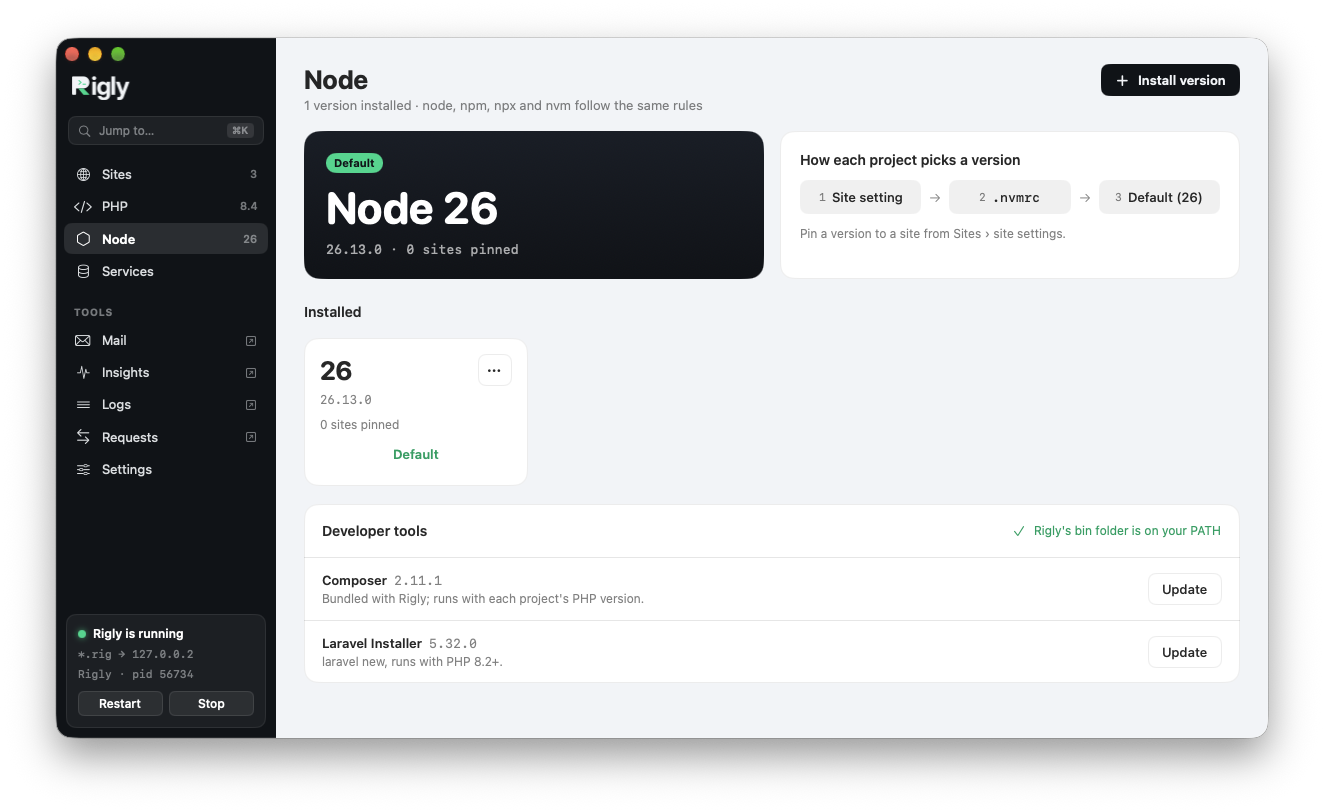
Versions
Rigly installs the current Node LTS during setup. The Node page in the app lists your versions; Install version adds another. From the command line:
rigly node:list
rigly node:install 22       # or 22.11.0, or lts/*
rigly node:use 24           # the default version
rigly node:uninstall 20
Which version a project uses
Rigly's node, npm, npx and nvm commands pick a version in this order:
- the version the site is pinned to in Rigly;
- the nearest
.nvmrcfile in the project; - the default version.
To pin a site:
cd ~/Code/shop
rigly node:isolate 22
rigly node:unisolate        # use its .nvmrc or the default again
Vite
Run Vite as usual with npm run dev. To give the Vite dev server its own address, use with a proxy, such as rigly proxy vite 5173.
Global packages installed with npm install -g live with each Node version, but Rigly doesn't add them to your PATH yet. Run them with npx instead.